Skip to content

Hyper WARDOGS Cheat

Undetected
New
STREAMPROOF

Configurable aimbot, player ESP and radar for WARDOGS, with adjustable visuals and saved configurations. Select a license below to see its price and availability.

Choose your license length

Your license starts when you activate the key in the loader.

Delivery & activation details

Selected license · USD

WEEK

$17.99

Questions before buying?Read the FAQ
 Hyper Wardogs Cheat

The full picture

Hyper Features and Settings

Hyper brings targeting, player information and radar into one configurable setup. Its controls let you choose which indicators appear and adjust how the targeting and radar behave. The feature groups below describe the options in Hyper's current specification.

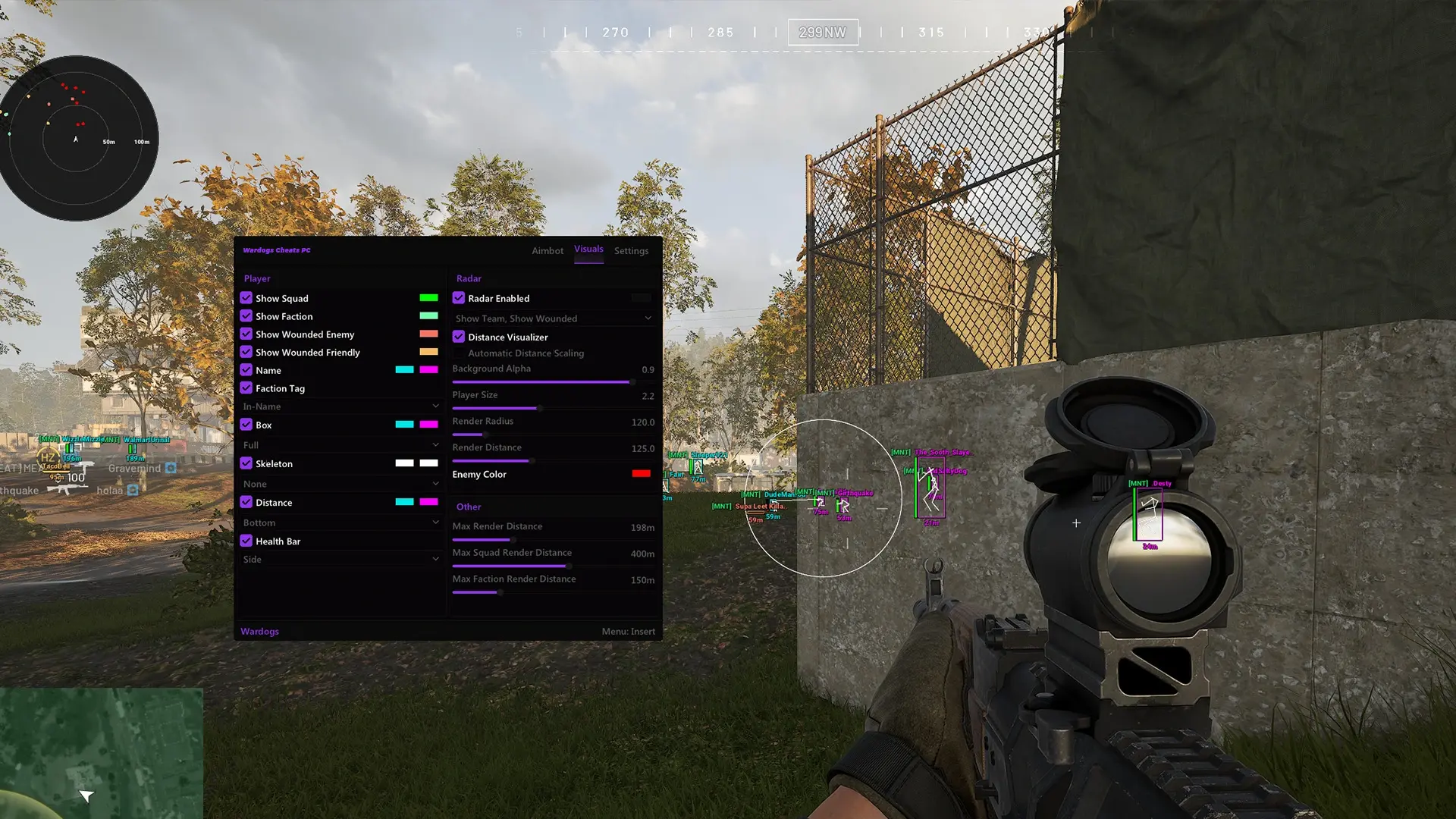
Aimbot & Target Selection

Set the target area and adjust aim movement and selection limits.
  • Aimbot
  • Target Bones (Head, Chest, Pelvis)
  • Lock Target
  • Aimbot Smoothing
  • Aimbot Deadzone
  • Aimbot Max Distance
  • FOV Circle
  • Dynamic FOV
  • Aimbot FOV
  • Target Line
WARDOGS aimbot menu showing target selection, smoothing, deadzone, maximum distance and FOV controls

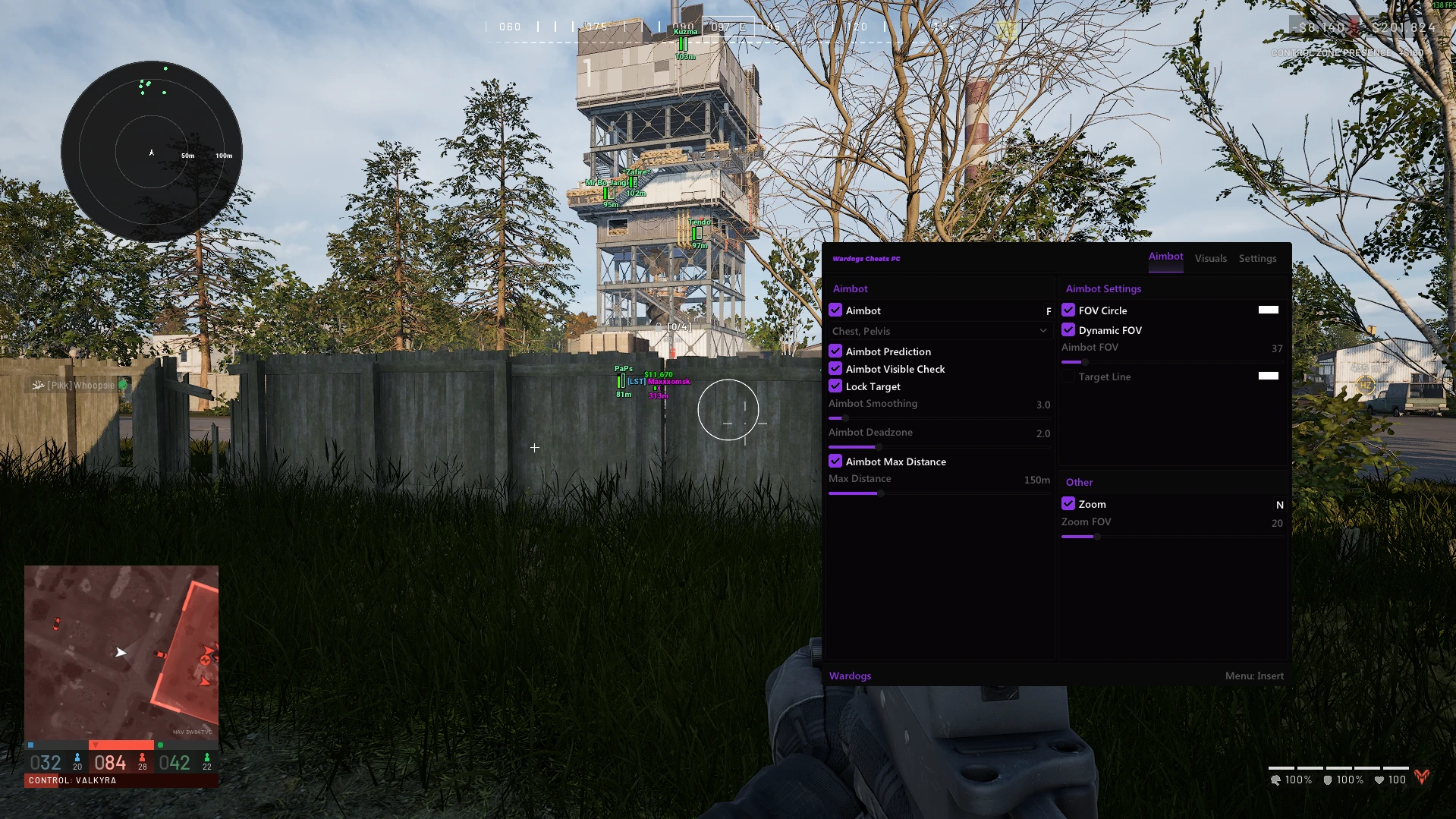
Player ESP & Wallhack

Choose the player details shown in the game view, with separate controls for visibility and appearance.
  • Show Squad
  • Show Faction
  • Show Wounded Enemy
  • Show Wounded Friendly
  • Name ESP
  • Faction Tag
  • Faction Tag Type (In-Name, Left Side)
  • Box ESP (Full, Corner)
  • Skeleton ESP
  • Skeleton Targets (Friendly, Wounded)
  • Distance ESP
  • Distance Position (Right Side, Top, Bottom, In-Name)
  • Health Bar
  • Health Bar Position (Side, Bottom)
  • Max Render Distance
WARDOGS Visuals menu showing player ESP options, colored player markers and radar settings during gameplay

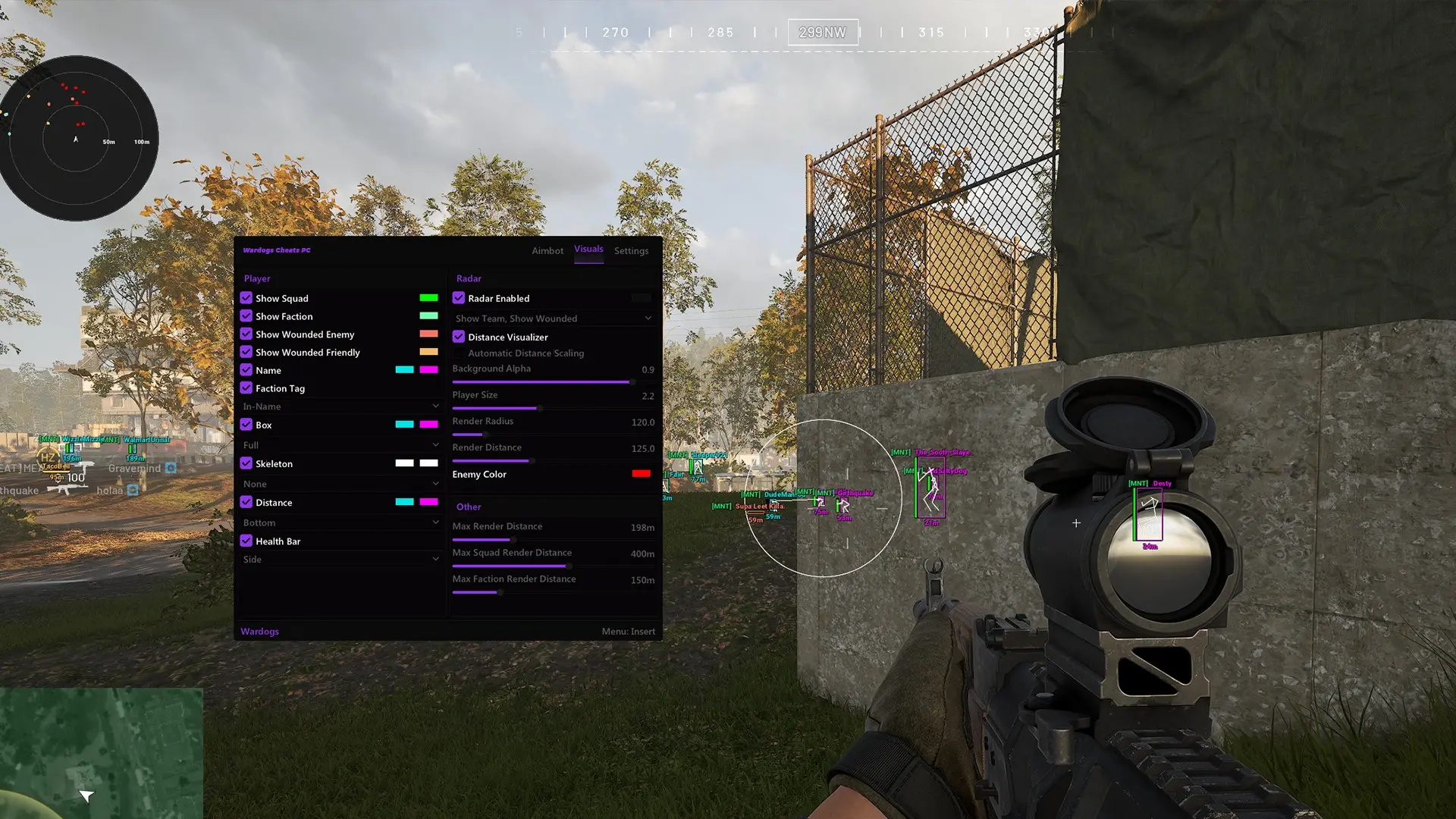
Radar

Use a separate player-position display with adjustable range, markers and background.
  • Radar
  • Show Team
  • Show Wounded
  • Distance Visualizer
  • Automatic Distance Scaling
  • Background Transparency
  • Player Size
  • Render Radius
  • Render Distance
  • Custom Enemy Color
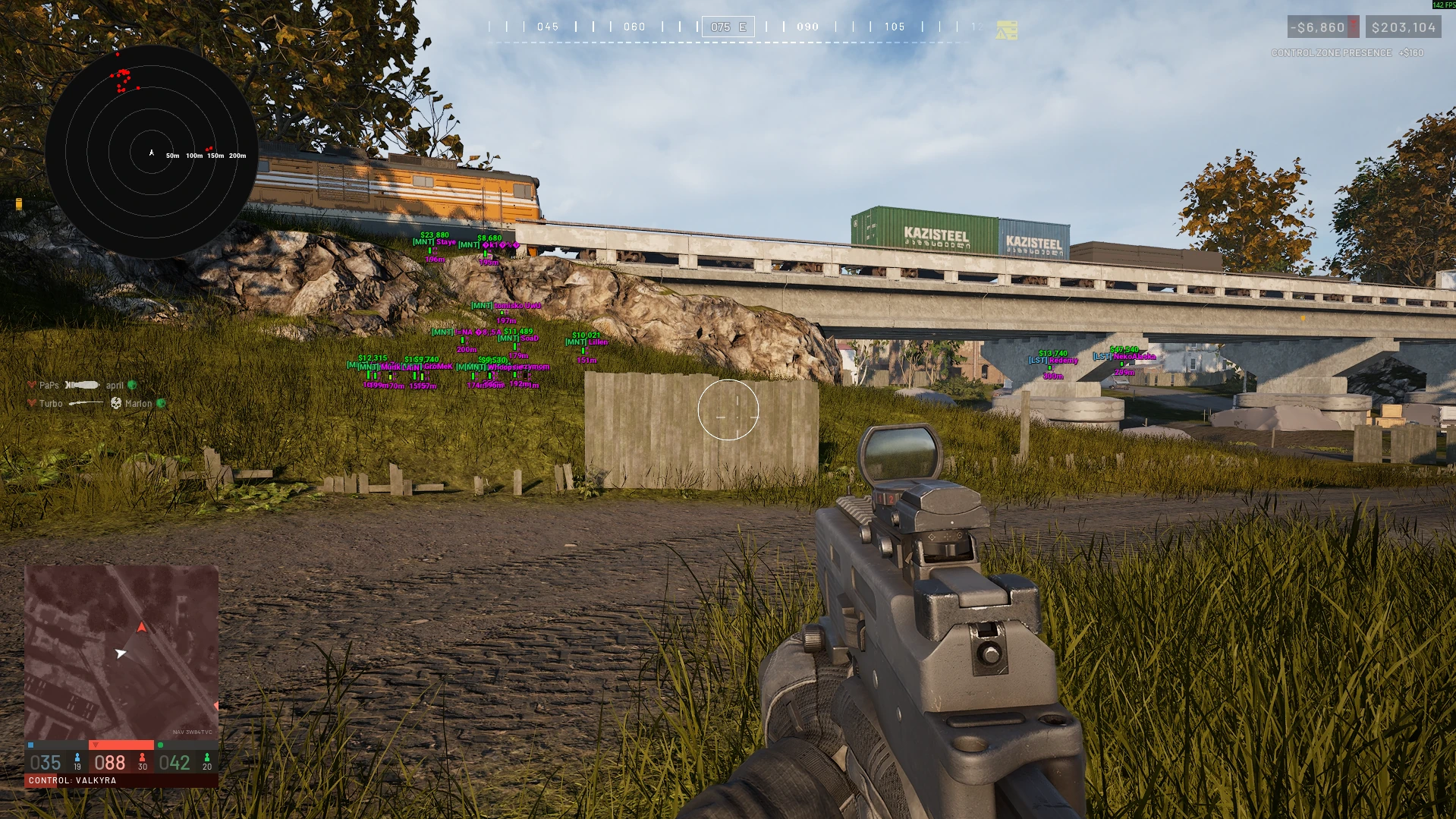
WARDOGS gameplay with a circular radar displaying player markers and distance rings alongside on-screen ESP

Visuals & Saved Configurations

Customize the display and save multiple configurations for your preferred settings.
  • ESP Colors
  • FOV Circle Color
  • Target Line Color
  • Squad Color
  • Faction Color
  • Wounded Enemy Color
  • Wounded Friendly Color
  • Name Color
  • Box Color
  • Skeleton Color
  • Distance Color
  • Radar Background Color
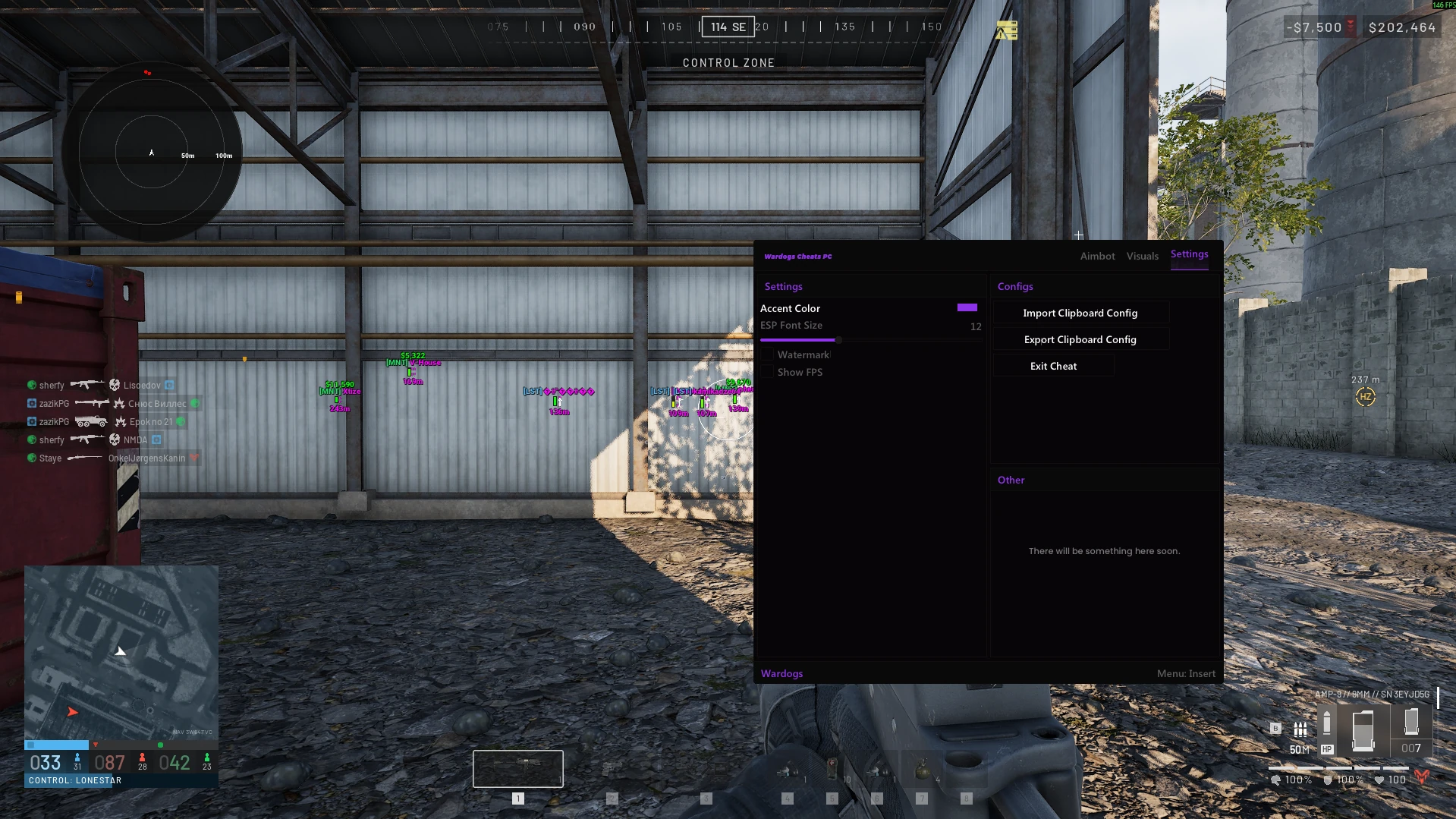
  • ESP Font Size
  • Save Configs
  • Load Configs
  • Multiple Config Support
WARDOGS settings menu showing accent color, ESP font size and clipboard configuration import and export controls

PC Requirements

Operating System

Windows 10 & 11

Processors

Intel & AMD

USB Required

No

Game

Wardogs

Stream Proof

Yes

License Options

Available license lengths are listed in the purchase panel. Select the period you want: the selected license and total show what you are adding to your cart. A displayed per-day figure is a price comparison; the total is the amount for that selected option.

Choose a day, three-day, week or month license. License time starts when you activate your key in the loader. These options provide access to Hyper, not a copy of the WARDOGS game.

Stock shows whether a license is available to buy. It does not confirm the software's operational status. STATUS UNKNOWN means a confirmed status has not been supplied.

Delivery & Activation

After purchase, Komerza emails your license key and setup guide to the address used at checkout. You can also open My Keys and sign in with your checkout email to access your delivered order. Activate the key in the Hyper loader to start your license period.

Open My Keys